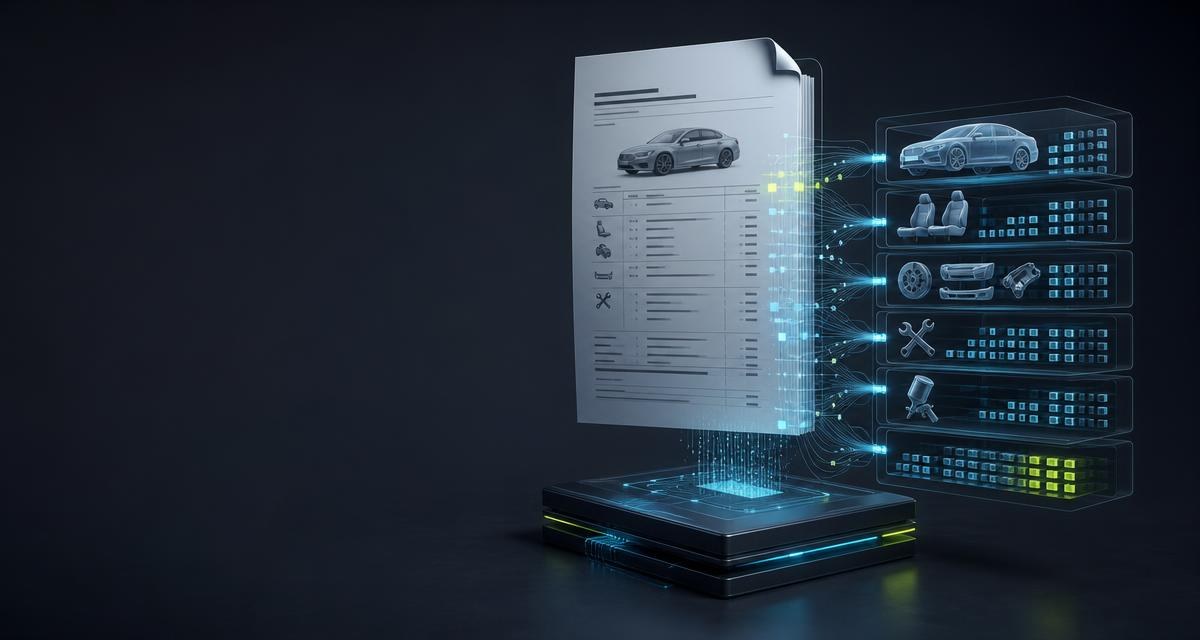
Claim file, workshop order and salvage process use the same facts but often receive them only as a PDF: vehicle data in the header, equipment across several pages, then parts, labour, paint and totals. Manual transfer pays for the same capture several times and introduces transposed digits into the next review.
Three documents, three different questions
| Source | Matching evaluation | Focus |
|---|---|---|
| Registration certificate | POST /scanner/document/registration | Official vehicle and keeper fields from the German document |
| Estimate or appraisal | POST /scanner/document/calculation | Totals, repair assessment, equipment, parts, labour and paint lines |
| Vehicle order or invoice | POST /scanner/document/vehicle | Rich vehicle record with powertrain, transmission, energy, colours and identifiers |
A scanner is not improved by returning as many fields as possible. It is improved when its contract matches the source. Sending an estimate through the vehicle-document scanner may produce detail, but not the agreed estimate record. Choosing the correct endpoint is therefore the first validation step.
What is structured from an estimate
- Document: recognised document type, subtype and metadata where printed in the source.
- Source: the recognised document language.
- Vehicle: vehicle fields actually read from the source.
- Equipment: lines including codes, kind, source and a price where stated.
- Financials: parts, labour and paint totals plus other values printed in the document.
- Repair assessment: only statements contained in the document itself.
- Lines: replacement parts, labour and paint in separate lists.
- Notes: findings that could not be assigned safely to a structured field.
`null`, an empty list and a missing hit are not the same
| Value | Meaning | Correct handling |
|---|---|---|
null | The field exists in the contract but is not evidenced in the document | Leave it empty; do not insert a default |
[] | The list was evaluated but contains no recognised lines | Store it as an empty list |
| Note | Text was read but could not be assigned to a safe target field | Show it for review; do not reinterpret it automatically |
Operating case: value a salvage vehicle from its estimate PDF
On a salvage auction, the time between receiving an appraisal and reaching a dependable purchase decision matters. A legible PDF export, for example from a DAT or Audatex estimate, can flow through POST /scanner/document/calculation into the company process. The API returns the vehicle, parts, labour, paint and total fields evidenced by the document as structured data, without an employee copying every page into another screen first.
- Take in the appraisal. The PDF moves from the claim file, inbox or salvage workflow into document analysis automatically.
- Review the lines. The ERP receives separate parts, labour and paint lines with source locations; uncertain and empty fields remain visible.
- Add revenue potential. Where VIN and parts list are available, the separate
GET /vin/{vin}/economic-evaluationendpoint can add market offers and expected parts revenue as another decision input. - Approve the purchase. The buyer reviews exceptions and sets the price. The machine prepares the case; the commercial decision stays with the business.
Operating case: parts demand straight into the workshop ERP
Parts procurement benefits as well: recognised replacement-part lines are passed to the inventory or ordering system instead of being copied from the report again. Where the source states an OE number, GET /parts/oe/normalize can normalise it and GET /parts/oe/{oeNumber} can cross-check it. The system of record can then compare internal stock, new and used offers, or suppliers. Anything the PDF does not state remains a review case and is never guessed into an order.
Four details that break integrations
- Store codes as text. Equipment codes can start with zero. A numeric column changes
01202into the different value1202. - Do not reinterpret money as cents. Estimate lines carry decimal amounts in the recognised document currency; the target system must model that unit explicitly.
- Keep the source page. In a long document it lets a reviewer find the original line again.
- Do not evaluate empty values. An absent amount is not zero, and an empty parts list does not prove that no parts are required.
A robust import workflow
- Provide the PDF unchanged and at legible quality.
- Use one dedicated Idempotency-Key for each business import.
- Validate the response schema and document type before writing fields.
- Map vehicle, equipment, financials and lines into separate target areas.
- Carry
null, empty lists and notes visibly into the review interface. - Link the original document and structured values so a reviewer can return to the source location.
The scan replaces neither the professional estimate nor an appraisal. It transfers what the existing document contains. Assessment, approval and later changes remain in the system of record. See Accident vehicles: write-offs, salvage value and what matters to a dismantler for the salvage context and Connecting an API: when it pays off for dismantlers for implementation.
Frequently asked
Does the API create a new damage estimate?
No. It reads an existing estimate or appraisal and structures the information it contains. It does not recalculate repair cost or salvage value.
Are missing vehicle details added automatically?
No. The estimate contract represents only the submitted document. Vehicle or VIN enrichment is a separate step that must remain distinguishable.
Why must equipment codes be stored as text?
Because leading zeroes may be part of the code. Numeric storage would then alter the value that was read.
Which documents do not belong in this endpoint?
Registration certificates and vehicle orders or invoices have their own document contracts. The deciding factor is the data record needed by the subsequent process.