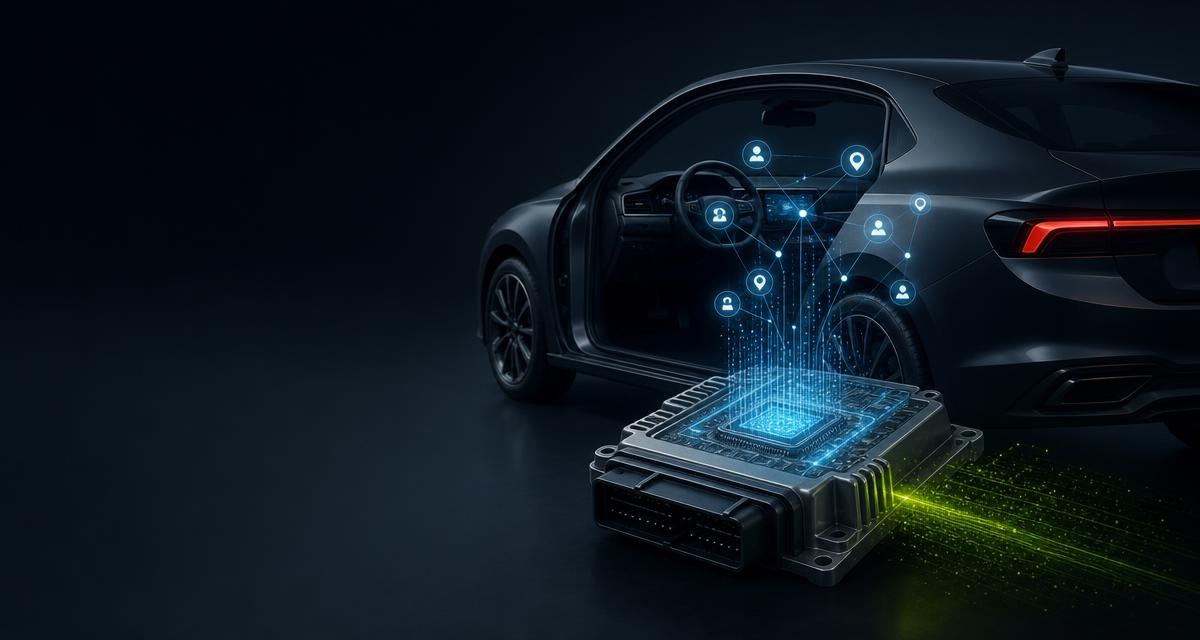
When accepting an end-of-life vehicle one thinks of fluids, components and papers. What also arrives, and rarely appears on a checklist, is the last owner's data — in the infotainment, in the telematics module, in paired devices and in retrofitted equipment.
What a vehicle typically has stored
- Contacts and call lists from paired mobile phones.
- Destinations and journey histories in the navigation system, often including the home address.
- Pairings with phones, accounts and manufacturer services.
- Access credentials for networks, occasionally for gate controls too.
- Recordings from retrofitted cameras or storage media.
- Vehicle and usage data in telematics and emergency call modules.
This data is personal data. Whoever processes it — and accepting, dismantling and passing on components from a vehicle is processing — bears responsibility for it. How far that responsibility reaches in an individual case is a question of data protection law and should be clarified with qualified advice in case of doubt.
A process that fits the yard
- Ask at intake. Has the infotainment been reset? Have storage media been removed? The owner can do it most easily themselves, and asking costs nothing.
- Reset before dismantling. Factory settings on the infotainment while the vehicle still has power. Afterwards it is more work.
- Remove storage media. SD cards, USB storage, SIM cards, cameras including their memory.
- Check pairings. Connected accounts and services, as far as visible in the vehicle.
- Reset again when removing control units with memory, if the device is going to be sold.
- Record that it happened — in the vehicle file, where depollution and part removal are recorded too.
The last point is the actual trick. A process documented nowhere does not happen under time pressure. A tick in the vehicle file costs seconds and turns a good intention into a procedure — the same file kept anyway for the certificate of destruction and record-keeping.
Components deserving particular attention
| Component | What it can hold |
|---|---|
| Infotainment and navigation unit | Contacts, destinations, pairings, account data |
| Telematics and emergency call module | Vehicle and connection data, sometimes owner identifiers |
| Instrument cluster | Display data depending on the vehicle, rarely personal |
| Retrofitted cameras | Recordings with images of people |
| Add-on devices | Tracking and fleet modules with movement data |
For selling, the same care applies as with a control unit anyway: what was written into the device must come out before it is passed on. A note in the listing that the device was reset is also a sales argument — buyers know they would otherwise be buying someone else's data.
What this has to do with how the yard is organised
Data protection feels like a foreign body in a dismantling yard but is structurally the same as the rest of record-keeping: an act that must happen and must be evidenced. Whoever keeps a vehicle file already has the place for it — see Digitalisation in vehicle dismantling: where it actually pays. Whoever does not has no memory for depollution and quantities either.
Operating case: infotainment unit before online sale
A working infotainment unit is to be offered as a new, exchange or used part. For a unit removed from a customer or end-of-life vehicle, the casing does not reveal whether contacts, destinations, pairings or account data remain stored. The item therefore stays blocked until a documented check is complete.
- Link provenance: connect vehicle record, VIN and part identity; GET /parts/oe/{oeNumber} can add OE and reference data to the sales item.
- Apply a risk class: an internal catalogue flags infotainment, navigation, telematics, dashcams and aftermarket trackers as potentially data-bearing.
- Erase or reset: use a manufacturer-supported method while the vehicle or unit remains functional.
- Verify the result: check removable media, accounts and pairings; a failed reset does not release the item for sale.
- Evidence the release: record method, time, operator and outcome without retaining unnecessary personal data.
Tangible value: a release gate keeps unchecked units out of the shop and dispatch process. Track data-bearing items without erasure evidence, failed resets, quarantine time, fully evidenced releases and data-protection incidents.
Sources and legal references
Frequently asked
Must I delete vehicle data before treatment?
Personal data in a vehicle is subject to data protection law. How far the duties reach in an individual case should be clarified with qualified advice; in practice a reset before dismantling is the simplest route.
Who should reset the infotainment?
Most easily the last owner at handover. Where that has not happened, it belongs in your own process while the vehicle still has power.
What applies when selling navigation units?
That the memory is reset before handover. A note about it in the listing is also a sales argument.
Does this apply to older vehicles too?
The older the vehicle, the less is stored. But even a simple hands-free system holds contacts, and retrofitted cameras exist in every model year.
This article is general professional guidance and does not replace legal advice. The applicable statute and the conditions imposed by your competent authority prevail.