- Claims management software
- Systems with which insurers, claims handling providers, appraisal organisations, leasing companies and fleet operators run motor claims from first notice to settlement: claim file, estimate review, repair network steering, salvage value and vehicle disposal. This page addresses the vendors of such systems; their end customers are claims handlers, appraisers, partner workshops and salvage buyers, dismantlers among them.
Where data is missing in the process
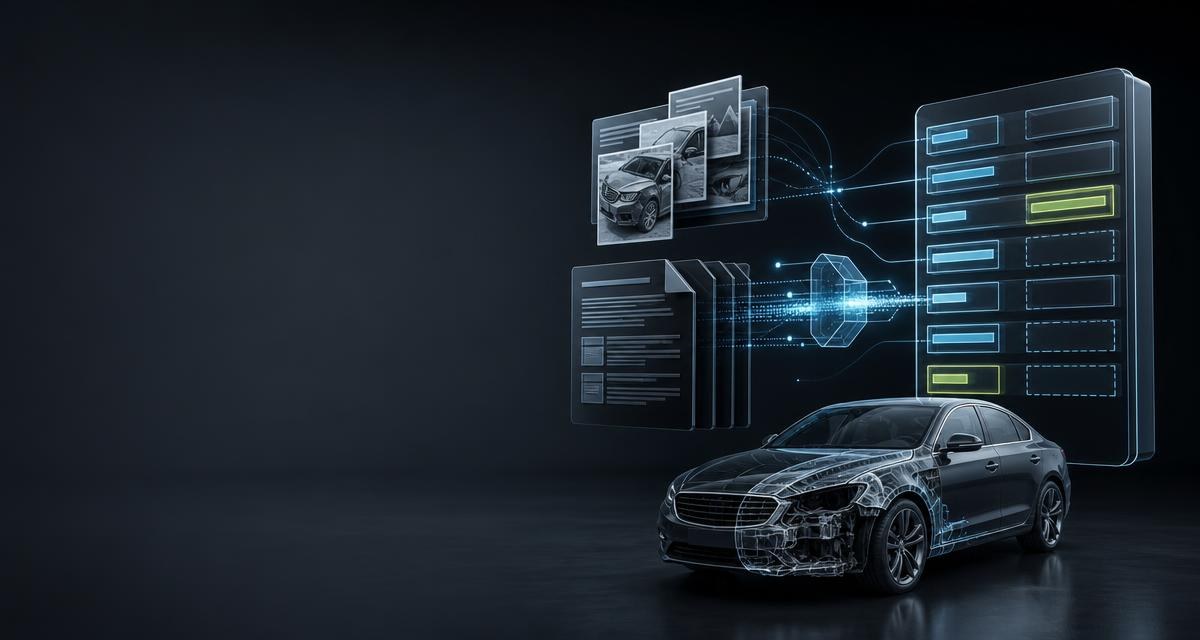
A claim file consists largely of documents and photos whose content does not exist as a record. The estimate arrives as a PDF, the photos come from the first notice of loss. Whatever is needed in fields is read off and typed in by someone today.
- Estimates and appraisals arrive as PDFs. Totals, spare parts, labour items and equipment codes are transferred by hand for review and comparison.
- The damage is photographed but not described. The claims handler writes free text that differs from colleague to colleague.
- The condition outside the damage zone is undocumented. For salvage value and disposal, what is not damaged counts too — a dismantler values precisely those parts, see Body panels: assessing condition and describing it honestly.
- Repair or end-of-life is decided by feel. Whether a vehicle is goods or waste after the loss determines its onward route — see Used vehicle or end-of-life vehicle? The line that decides export.
- Vehicle identity and recalls live in separate sources and rarely end up in the same file.
What the API delivers
| Process step | Call | Result |
|---|---|---|
| Read an estimate or appraisal | POST /scanner/document/calculation | Vehicle, totals, parts, labour and paint data plus equipment with DAT codes; only values from the document |
| Match the vehicle | GET /vin/{vin}/vehicle | Vehicle data for the VIN and a stable tapiId; no match is 404 vehicle_not_found |
| Describe the damage | POST /vision/damage/describe | Text in six fixed sections from 1 to 5 photos; sections without findings are stated as such |
| Document the condition | POST /vision/condition-report | Findings per zone in fixed order from up to 8 photos, overall grade A/B/C |
| Classify as end-of-life | POST /vision/vehicle/elv-classification | Level kein_altfahrzeug_verdacht, gutachten_empfohlen or altfahrzeug with finding, confidence and evidence images per criterion |
| Check recalls | GET /recalls/vehicles/{vin} | Model-line-related measures from official registers with reference, remedy and stop-drive flag |
| Prepare the salvage question | GET /vin/{vin}/economic-evaluation | Parts revenue potential as min/average/max, dismantling ranking; provider=1 only, i.e. only after a match via the browser redirect |
A workflow from start to finish
- First notice with photos. 1 to 5 photos of the same damage go to
POST /vision/damage/describe; back comes a description in six fixed sections that sits in the file as a finding, not as free text. - Match the vehicle. The VIN goes to
GET /vin/{vin}/vehiclewithprovider=2orprovider=3; provider 1 is reachable from third-party systems only via the browser redirect and is required if the economic evaluation is to follow later. The match binds the VIN for this client to the chosen provider. Back come vehicle data and atapiId— or404 vehicle_not_found: no record, the field stays empty, the case continues. - Read the estimate. The PDF goes via
fileUrltoPOST /scanner/document/calculation. Totals, repair assessment, line items andequipmentwith DAT codes as strings are then available as fields — only values from the document, nothing is added. - Check recalls.
GET /recalls/vehicles/{vin}returns model-line-related measures including the stop-drive flag before the vehicle is released for repair. - Condition and classification. Up to 8 walk-around photos go to
POST /vision/condition-report; 1 to 10 photos with market value and repair estimate go toPOST /vision/vehicle/elv-classification. The levelaltfahrzeugarises only from a highly evidenced criterion or from arithmetic with the values supplied. - Prepare the salvage question.
GET /vin/{vin}/economic-evaluationaccepts onlyprovider=1and requires that the vehicle was matched via provider 1 beforehand — from third-party systems only viaPOST /vin/redirect-sessionswith a return ofstatus=completedandtapiId; a VIN matched viaprovider=2orprovider=3is bound to that provider. The evaluation then returns the parts revenue potential asmin/average/maxand a dismantling ranking; status viaGET /vin/economic-evaluation/jobs/{jobId}. That is a basis for calculation, not a salvage value — that arises from bids, see Accident vehicles: write-offs, salvage value and what matters to a dismantler and Vehicle purchasing: what an end-of-life vehicle is really worth. - Close the file.
tapiId, document fields and findings stay in the file;GET /vehicles/{tapiId}later returns the technical vehicle data as part of the previously paid VIN workflow, without VIN and equipment.
curl \
  -H 'X-Api-Key: <API_KEY>' \
  -H 'Content-Type: application/json' \
  -d '{"fileUrl": "<DOCUMENT_URL>"}' \
  'https://api.tapinomahub.com/scanner/document/calculation'
The integration
- Store the key server-side. The API key belongs in the backend configuration and in the
X-Api-Keyheader — never in a browser application. - Start with one endpoint. Usually
POST /scanner/document/calculation, because that is where typing happens today; technically an HTTPS call with JSON, independent of language and platform. - Define the field mapping. Which response fields land in which fields of the claim file? That mapping is the actual work.
- Separate failure from no-finding.
404 vehicle_not_found, anullfield or a section without findings are business results and are stored; a technical error triggers a retry or a task, never a default value. - Build the `202` pick-up. Long-running calls answer with
202,LocationandRetry-After; the status is fetched from the corresponding.../jobs/{jobId}endpoint. Until then the case stays „in progress“. - Roll out and observe. One tenant first, then all;
GET /client/usageandGET /client/creditsshow calls and credit.
What to watch out for
- Set an `Idempotency-Key`. A retry after a timeout then returns the same response, recognisable by
X-Tapinoma-Idempotent-Replay. Calls that issue a key once are not replayed: after a timeout, reconcile against the existing state instead of retrying blindly. - Do not fill empty fields. A
nullin the estimate means the document does not state the value; a section without findings means nothing visible. Both belong in the file as they are — no default, no estimate. - Store the `tapiId`. It is the stable identifier of the matched vehicle and the key for every later query without a new match.
- Never put the key in the browser. For provider 1 too: the backend creates a single-use session via
POST /vin/redirect-sessionsfromvin,returnUrlandstate; the return carries onlystatus,tapiIdandstate, never vehicle or access data. The session expires after ten minutes. - Rate limits per tenant.
PUT /client/users/{clientId}/rate-limitslimits per user, key or endpoint so that one batch run does not slow the other tenants;X-Tapinoma-Usage-Warningsignals low credit. - Have results checked. The damage description replaces no inspection, the classification no appraisal, the revenue potential no salvage value. The file shows which field came from which call.
What the API does not do
The API produces no appraisal and replaces no appraiser: the condition report contains no repair or salvage calculation, the damage description covers only what is visible, and the level gutachten_empfohlen means exactly that — appraisal recommended. It performs no keeper lookup and no check against the registration register; the recall check is model-line-related and a working aid — whether an individual vehicle is affected and a measure completed is answered bindingly only by the manufacturer. Price evaluations and revenue potential are indicative, not a price guarantee. Provider 1 is reached by third-party systems only via the browser redirect. And tapinomahub sells no data set: what is owed is the execution of the query or analysis — a completed image analysis is billed even without findings — and checking and using the results is the customer's responsibility. What vehicle data in a claim file means under data protection law is covered in Data in an end-of-life vehicle: what stays in the infotainment when the car goes.
Frequently asked
Does the scanner add missing values to an estimate?
No. POST /scanner/document/calculation outputs only what the document states. Where a value is missing, the field stays null — that is a result, not an error.
Does the end-of-life classification replace an appraisal?
No. It is a working aid with three levels; gutachten_empfohlen explicitly refers to the appraiser, and altfahrzeug requires a highly evidenced criterion or the arithmetic with market value and repair estimate.
How does an insurer pay for its partner workshops' requests?
Through cost coverage granted by the master client — when creating the workshop workspace with sponsorship=true or later with PUT /client/sponsorship-grants/{grantReference}. If the insurer is only a partner workspace of the vendor, the vendor grants it and settles with the insurer under contract; with its own contract the insurer grants it itself. Each workshop keeps its own workspace and key; billing is per request.
What happens if no vehicle is found for the VIN?
The response is 404 vehicle_not_found — a business no-finding, not a technical error. The file is created, the vehicle field stays empty, the claims handler sees the gap.