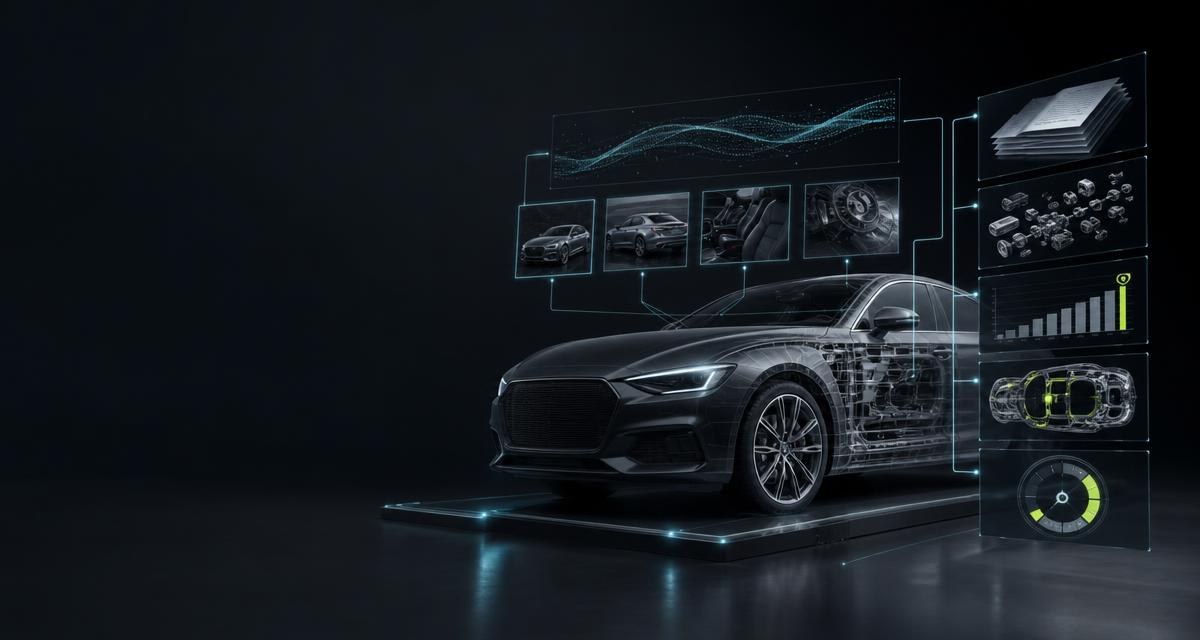
- Submitting a vehicle
- The mode in which you register a vehicle with nothing but its VIN and photographs. Catalogue search, type determination, equipment list, parts valuation and condition description are done by us — and every result states what it was built from and what remains open.
What you supply — and what you do not
The process is deliberately reduced to what is available in the yard anyway. You supply:
- The VIN — typed, from the registration document, or as a photo of the type plate, the windscreen or the stamping. Fundamentals in VIN: Reading, checking and using the vehicle identification number.
- Walk-around photos of the vehicle, up to eight: front, both flanks, rear, roof, interior, engine bay. Up to ten for the end-of-life classification.
- Or a photo of the registration document. The file then starts from the document: the number is read from it, and up to five walk-around photos yield the condition report in the same pass.
What you do not have to supply: model line, engine code, equipment, part numbers, key numbers. Those are results, not inputs — and exactly that used to be the effort.
What comes out of it
| Result | Basis | What it means |
|---|---|---|
| Vehicle file | VIN | The vehicle is identified and carries a fixed vehicle reference through which all further steps are linked; taking it into stock fills at least 25 fields — see The registration certificate: the fields that matter in the yard |
| Equipment | VIN | Adopted equipment list, editable and extendable |
| Parts list | VIN | The parts assigned to the vehicle with OE numbers — the basis of every record, see Part identification: from removed component to sellable record |
| Revenue ranking | Parts list and market offers | Revenue potential per part as a range with an outlier-trimmed average, sorted by revenue, plus a purchase recommendation as a calculation basis |
| Condition report | Walk-around photos | Findings per zone in fixed order and an overall grade A, B or C — visual inspection only |
| End-of-life classification | Photos, optionally market value and repair estimate | No end-of-life suspicion, appraisal recommended, or end-of-life vehicle — per criterion with finding and supporting images |
| Recall check | VIN from your own stock | Measures for the model line from the official registers, with file reference and match confidence |
| Listing text | Vehicle file | Title, description and equipment highlights in German, English or French — without price or condition statements |
Operating case: no-touch processing in the intake back office
Only the necessary physical step remains in the yard: capture the VIN or registration document and the defined walk-around photos on a smartphone. The tapinomahub pipeline then builds the machine-readable vehicle context. Depending on input and available source, the response can include vehicle data, equipment, engine and transmission identifiers and, from a registration document, HSN and TSN. The back office does not have to copy the same facts from paper or photos into the ERP again.
- The yard employee captures. VIN or document and images are recorded where the vehicle actually stands.
- The API assigns. VIN resolution, document analysis and image recognition return separate machine-readable results with visible empty and uncertain cases.
- The ERP adopts. Approved fields move into the vehicle file, stock intake, dismantling plan or purchase case.
- People review exceptions. Illegible identifiers, unclear images and borderline commercial cases go specifically to specialists instead of holding up every file.
Operating case: AI-assisted returns for fleets and leasing
For fleet returns and off-lease vehicles, the same flow produces comparable files: the VIN keeps vehicle and equipment together, while the image pipeline assigns visible findings to fixed vehicle zones and includes the supporting photos. This creates a consistent preliminary record for remarketing, workshop control or appraisers. It replaces neither technical diagnosis nor an appraisal and makes no promise of legal evidential value; it does make the available visual basis traceable and reusable in the company system.
Two routes to the file
Behind the process stand two documented routes, and the input decides which one applies. Both lead to the same vehicle file; they differ in what is produced in addition.
- The route via the VIN. The number is tidied — spaces, hyphens and invisible characters are stripped, 17 permitted characters must remain — and resolved at the vehicle-specific data source. A hit returns the vehicle data and the fixed vehicle reference; the parts list and the revenue ranking hang off it. Small parts such as clips and screws are filtered out before valuation, the rest ranked by list price and valued per unit against market offers; valuations are reused for up to 30 days, only missing ones are determined afresh. An empty result is an outcome, not an error — see VIN lookup in practice: process, result, billing.
- The route via the registration document. The document is read, the recognised number matched immediately, and up to five walk-around photos yield the condition report in the same call. The result is a file of document fields, vehicle data and condition report; parts list and revenue ranking are not part of this route. Every component states whether it was delivered — if the number stays illegible, the vehicle part is visibly missing and refunded proportionally.
- The images are evaluated separately. A walk-around of up to eight photos yields the condition report with an overall grade; on the registration-document route it is produced from up to five photos in the same call. The end-of-life classification is an analysis of its own from up to ten photos — deterministically from evidenced criteria, not from an overall impression. If market value and repair estimate are supplied, the classification “end-of-life vehicle” follows from plain arithmetic; from images alone at most “appraisal recommended”.
- Recalls are checked — for the model line against the official registers, from your own stock, without a further call to the data provider.
- On request the listing text is produced from the documented facts. It invents no property and states neither price nor condition.
What you do with it
- Decide the purchase. Revenue ranking and purchase recommendation are calculation bases from market offers — the number that used to come from gut feeling. You set the price, see Vehicle purchasing: what an end-of-life vehicle is really worth and Accident vehicles: write-offs, salvage value and what matters to a dismantler.
- Plan the dismantling. The order by expected revenue is the work list for the workshop — where the line runs is your call, see Depth of dismantling: which parts are worth removing.
- Sell. Parts list, OE numbers and vehicle reference are the fields a listing is found by — see Selling used parts online: what a listing has to carry.
- Keep records. The file carries VIN, condition and classification from intake onwards — the same facts the certificate of destruction and operating records require.
What the process is not
The condition report describes what is visible; it is not an appraisal and calculates neither repair nor salvage value. The revenue ranking is an expectation derived from market offers, not a price and not a commitment; the purchase recommendation is a calculation basis, not a decision. The end-of-life classification is a working aid for a decision the business takes — see Used vehicle or end-of-life vehicle? The line that decides export. The recall check is model-line based; whether the individual vehicle is affected is for the manufacturer to clarify. And none of it replaces the expert's look at the vehicle — it organises it.
What it costs
Billing and term follow the agreed conditions; binding details are in the landing page’s pricing section or the agreement. A performed image analysis is the service, not the hit. Provider- or manufacturer-specific special terms are shown before the order. Technical vehicle data for an already matched vehicle is part of that paid VIN workflow and a later retrieval does not create a second vehicle-match order.
Frequently asked
Is the VIN really enough?
For vehicle file, parts list, revenue ranking and recall check, yes. The condition report and the end-of-life classification additionally need the photos. The listing text is produced from the file.
How many photos should I include?
For the condition report up to eight photos of the same vehicle — front, flanks, rear, roof, interior, engine bay. For the end-of-life classification up to ten. On the registration-document route up to five walk-around photos.
What happens if the VIN is not found?
Then that building block is visibly missing, and the parts depending on it are not produced. That is an empty result, not an error; nothing is filled in or estimated.
Is the revenue ranking a purchase price?
No. It is the revenue potential of the parts from market offers, as a range with an outlier-trimmed average, plus a purchase recommendation as a calculation basis. You set the purchase price — with that figure rather than without it.